Most streaming problems do not begin at the server.
They begin at encoding.
When broadcasters complain about freezing streams, unstable playback, or high CPU usage, the real issue is often improper preparation of video files. That is where FFmpeg becomes critical.
FFmpeg is one of the most powerful open-source multimedia frameworks available today. It handles transcoding, muxing, demuxing, streaming, and recording. If you look at the technical foundation behind modern streaming platforms, FFmpeg is almost always somewhere in the stack. The official documentation on FFmpeg explains how widely adopted it is in production systems.
Why encoding matters before upload
When a user uploads a 4K file with 50 Mbps bitrate into a streaming server that is designed for 4 Mbps delivery, the server struggles. Even if bandwidth exists, decoding and repackaging becomes inefficient.
A properly encoded file:
- Uses H.264 or H.265
- Has a reasonable bitrate
- Uses AAC audio
- Maintains constant frame rate
- Aligns with HLS segmentation requirements
If the video is prepared correctly, the streaming server does not need heavy transcoding.
Recommended encoding example
A clean example for RTMP-ready output:
ffmpeg -i input.mp4 -c:v libx264 -preset medium -b:v 3500k -maxrate 3500k -bufsize 7000k -profile:v high -pix_fmt yuv420p -c:a aac -b:a 128k -ar 44100 output.mp4
This produces a stable streamable file compatible with most RTMP servers.
Connecting encoding with infrastructure
Encoding is only half the equation. Delivery matters.
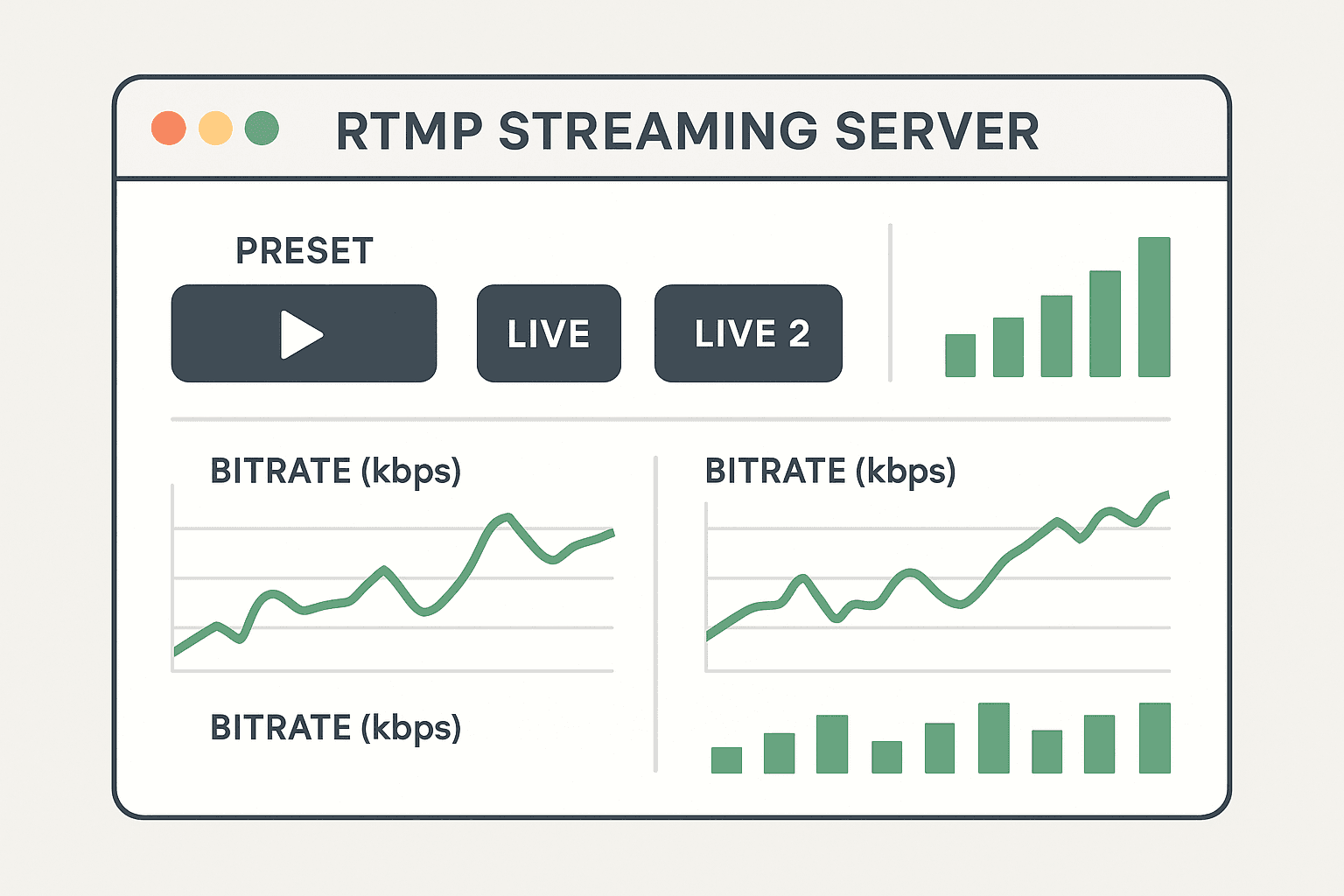
If you are running a reseller infrastructure such as a dedicated RTMP server, file quality reduces CPU spikes. For example, broadcasters using RTMP Server infrastructure often see improved stability once encoding is standardized.
You can explore structured reseller options here:
https://rtmp-server.com/rtmp-reseller/
Internal network connection
If you are building a larger streaming architecture and want to understand how dedicated environments differ from shared ones, we also covered that here:
https://ffmpegservers.net/
Practical workflow
- Encode with FFmpeg
- Upload via SFTP
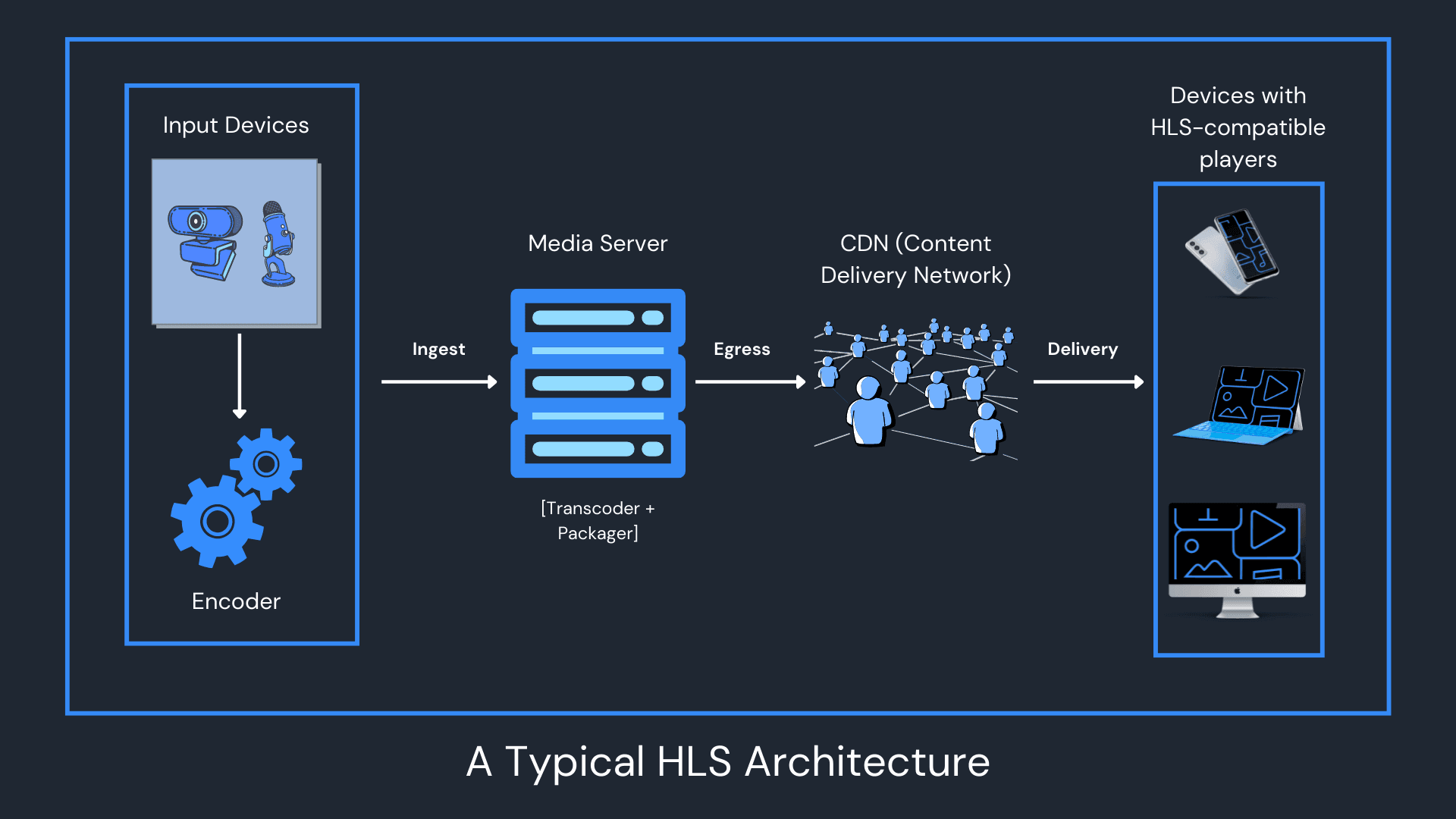
- Deliver via RTMP ingest
- Serve via HLS (M3U8)
This ensures compatibility across browsers and players.
Why this matters for monetization
Ad-supported live streaming depends on smooth delivery. Buffering kills ad impressions. Encoding quality directly impacts ad insertion stability.
This becomes especially important when integrating with platforms like Wowza or custom TV station hosting systems.
Proper encoding is invisible when done correctly. That is the point.